
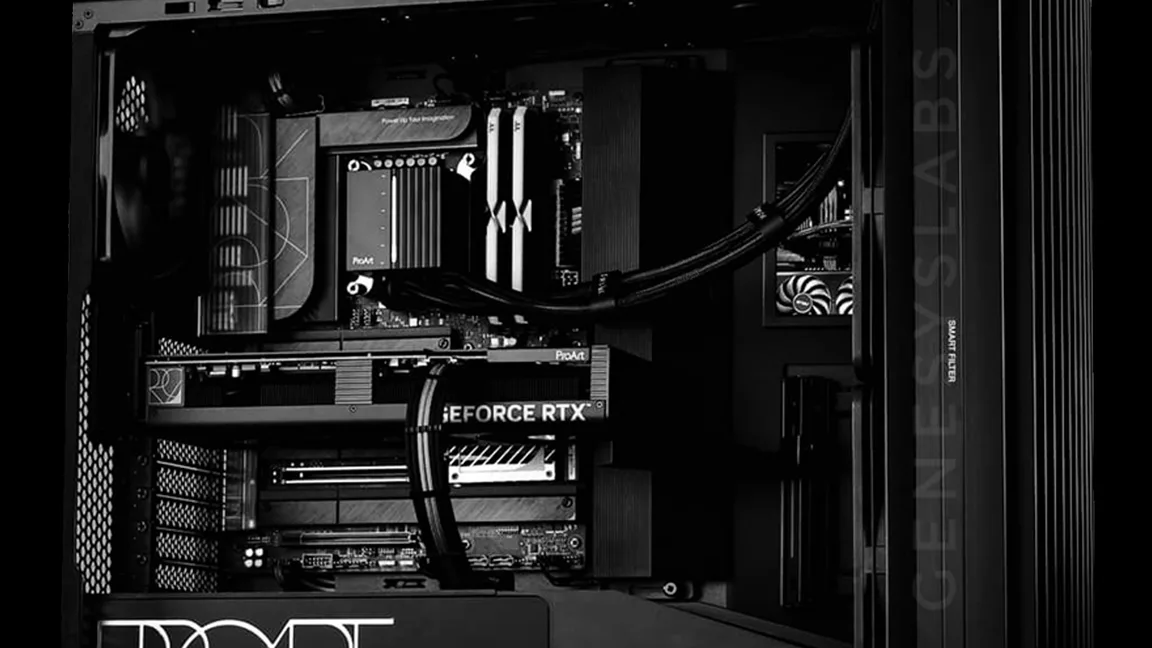
GLabs Pro Creators
Creator Workstations, Built and Tested in Kochi
Workstations for animation, VFX, game development, comics and XR. Each one is sized to the software you run, burn-in tested before it leaves us, and supported after delivery.
Workstations by Workload
Pick the work your team does. Each one names what that work leans on and the build class that fits, and opens in the configurator with a starting build.
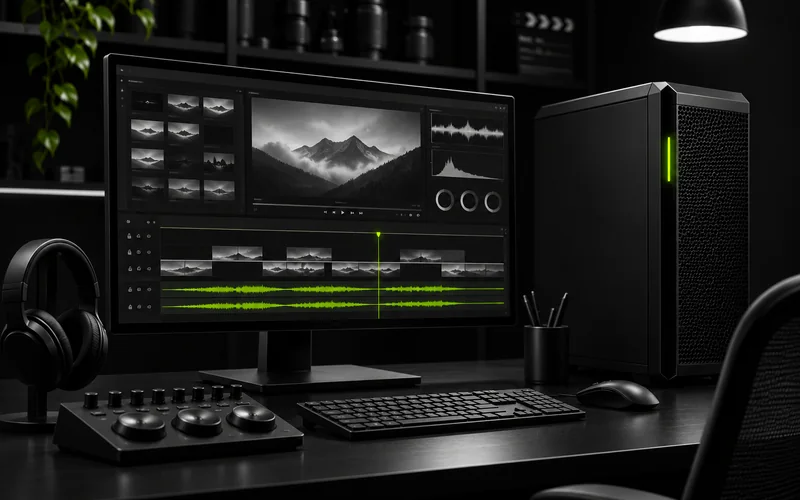
Video editing
Long, high-resolution timelines and grading.
Leans on: GPU decode and encode, fast scratch storage
Creator tower
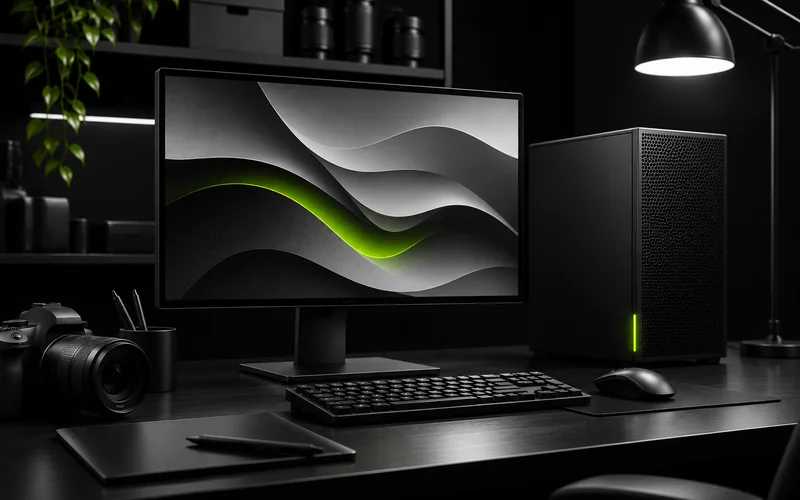
Photo and design
Large files and many layers on a crowded desk.
Leans on: Single-core speed, colour-accurate output
Compact creator PC
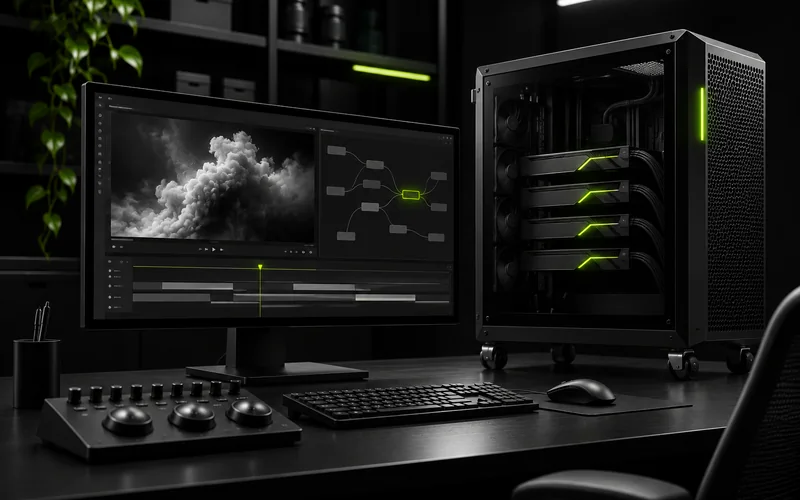
VFX and compositing
Simulations and deep comps on high-resolution plates.
Leans on: Memory and GPU
Multi-GPU workstation
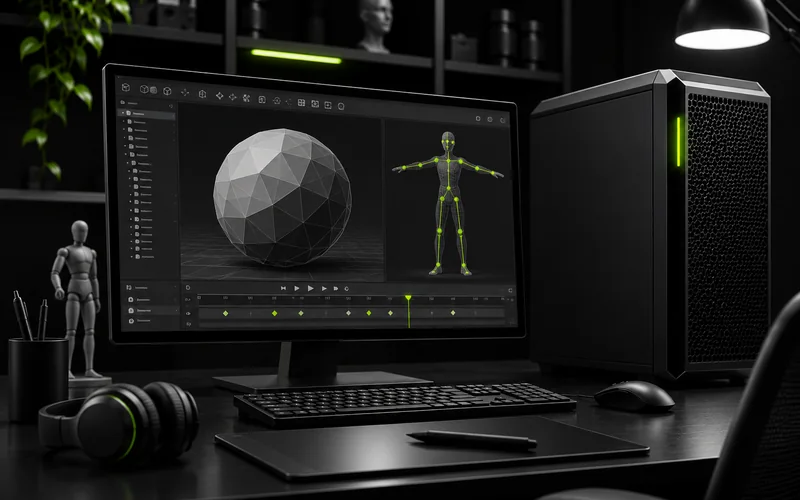
3D modelling and animation
Rigging, layout and animation in a viewport that keeps up.
Leans on: Viewport speed, high clocks
Creator tower
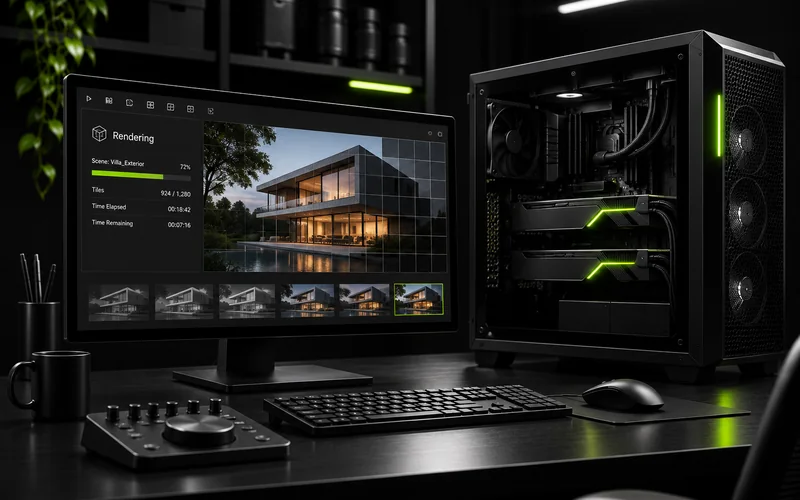
Rendering
Final frames, on one desk or on nodes behind your artists.
Leans on: GPU count and cooling
Multi-GPU workstation, or render nodes
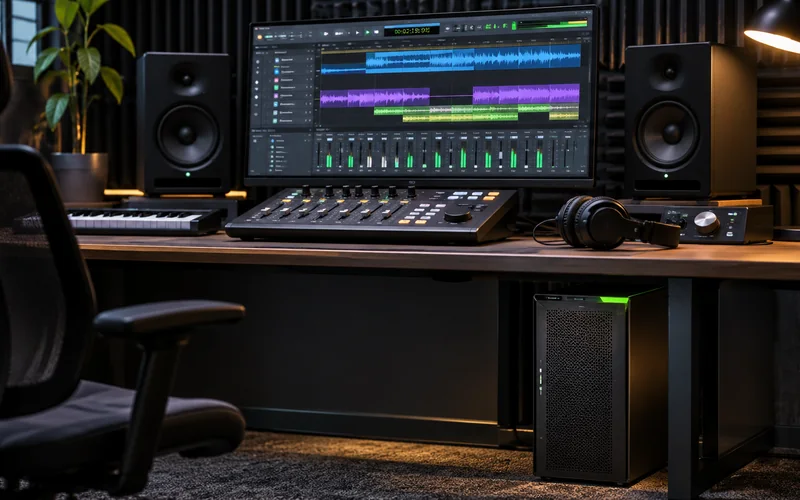
Digital audio workstation
Large sessions with many plugins, in a room where noise matters.
Leans on: Low latency, low noise, stable power
Compact creator PC, tuned quiet
Four Build Classes
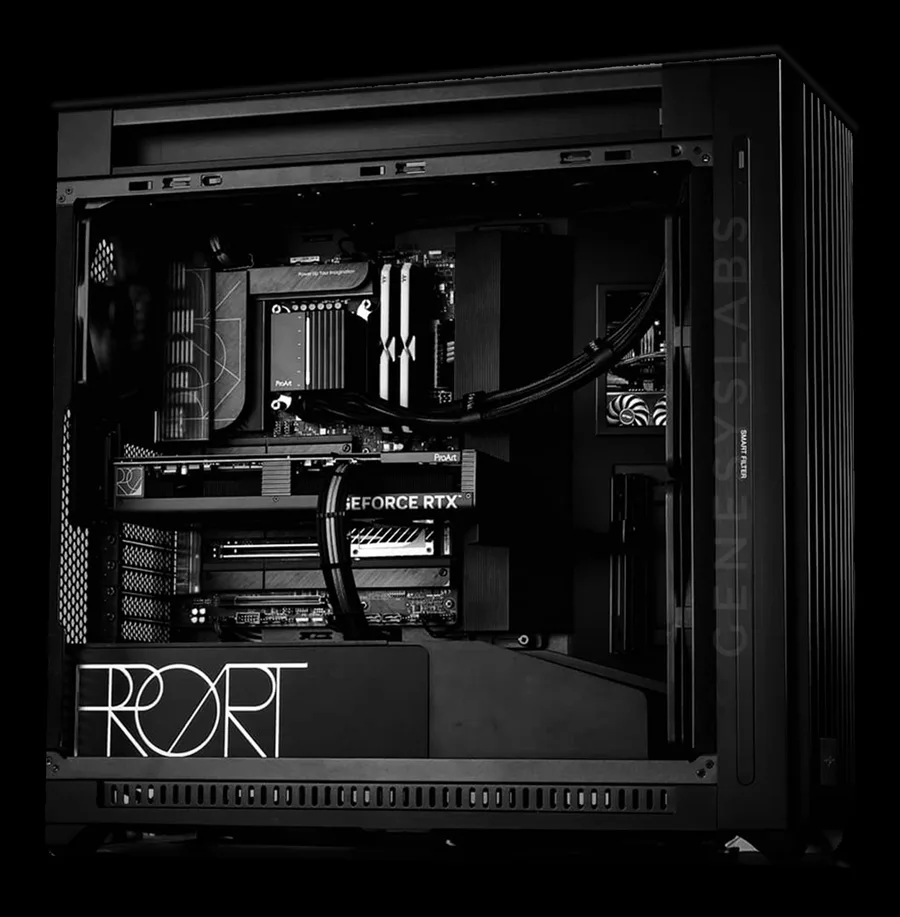
Compact creator PC
Small-form-factor build for editing, drawing and design on a crowded desk.
NVIDIA GeForce RTX
Creator tower
Full tower for 3D, animation and compositing, with room for more memory and storage later.
NVIDIA GeForce RTX or RTX PRO
Multi-GPU workstation
For GPU rendering and simulation that scale with every card you add.
NVIDIA RTX PRO
Render node
Rack-mount GPU capacity behind your artists, for final frames and builds.
GLabs GPU Servers
What We Size to Your Work
| Part | What we size it to |
|---|---|
| Graphics | Your renderer, viewport and frame sizes: GeForce RTX for most creator work, RTX PRO for large scenes and certified apps |
| Memory | Scene size, simulation caches and how many apps stay open at once |
| Storage | Fast NVMe for active projects and cache, larger drives or shared storage for the archive |
| Cooling and noise | Long renders without throttling, at a noise level you can work next to |
| Software | NVIDIA Studio drivers, tested with the applications you name before handover |
Where to Go Next
See how these builds fit a studio or a college lab on the AVGC-XR solutions page. Need data-centre GPUs or large models on the desk? Look at GLabs AI Workstations.
For a workstation, start in the Workstation Configurator: pick your work and adjust the build. For render nodes, use the Server Configurator. Either way, a Solutions Architect checks the build and sends a quote.