
M-SERIES · NVIDIA MGXNVIDIA CONNECTX-8 SUPERNIC
GL-M4U-8G-CX8
MGX · 8 GPUs
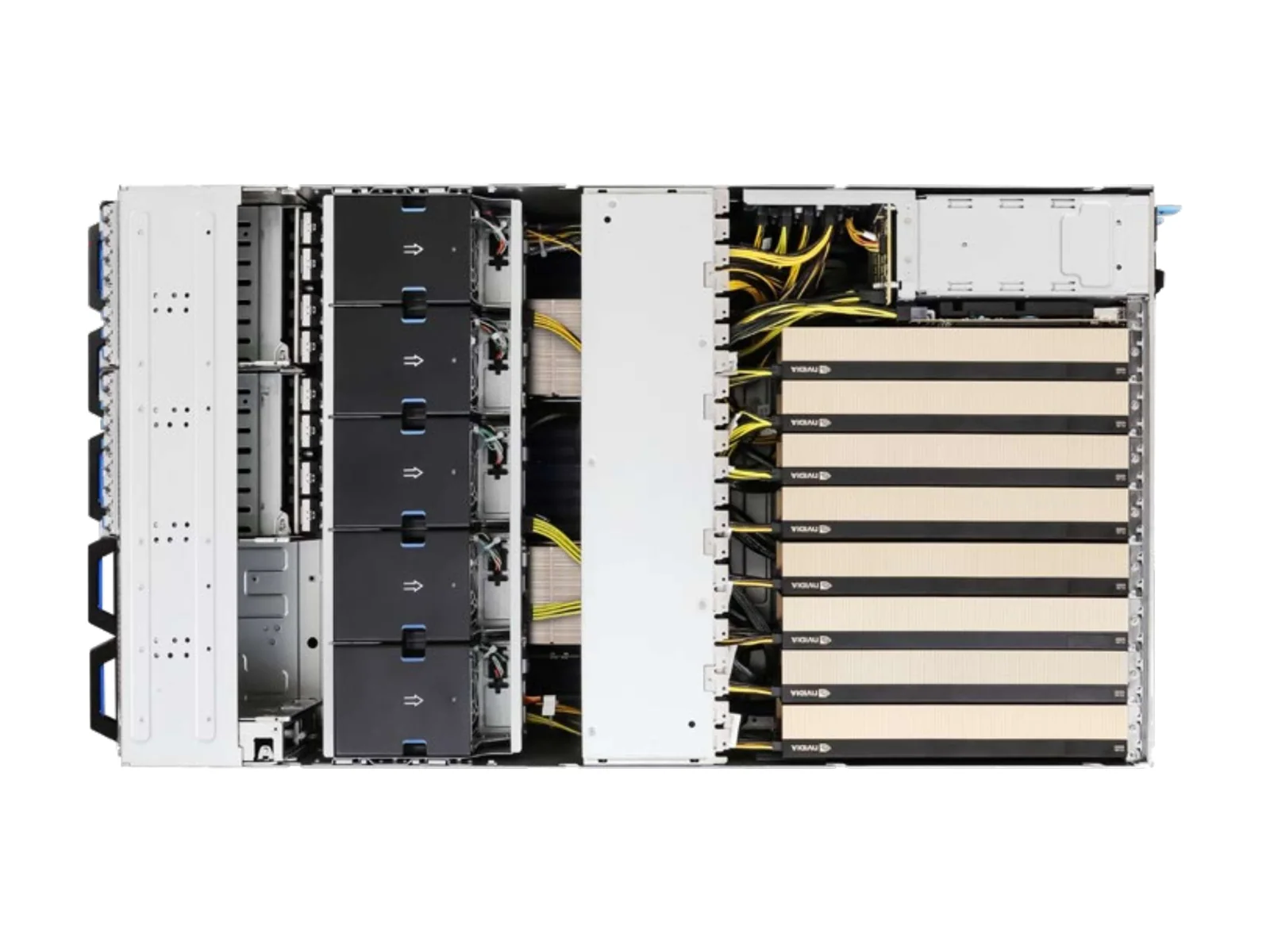
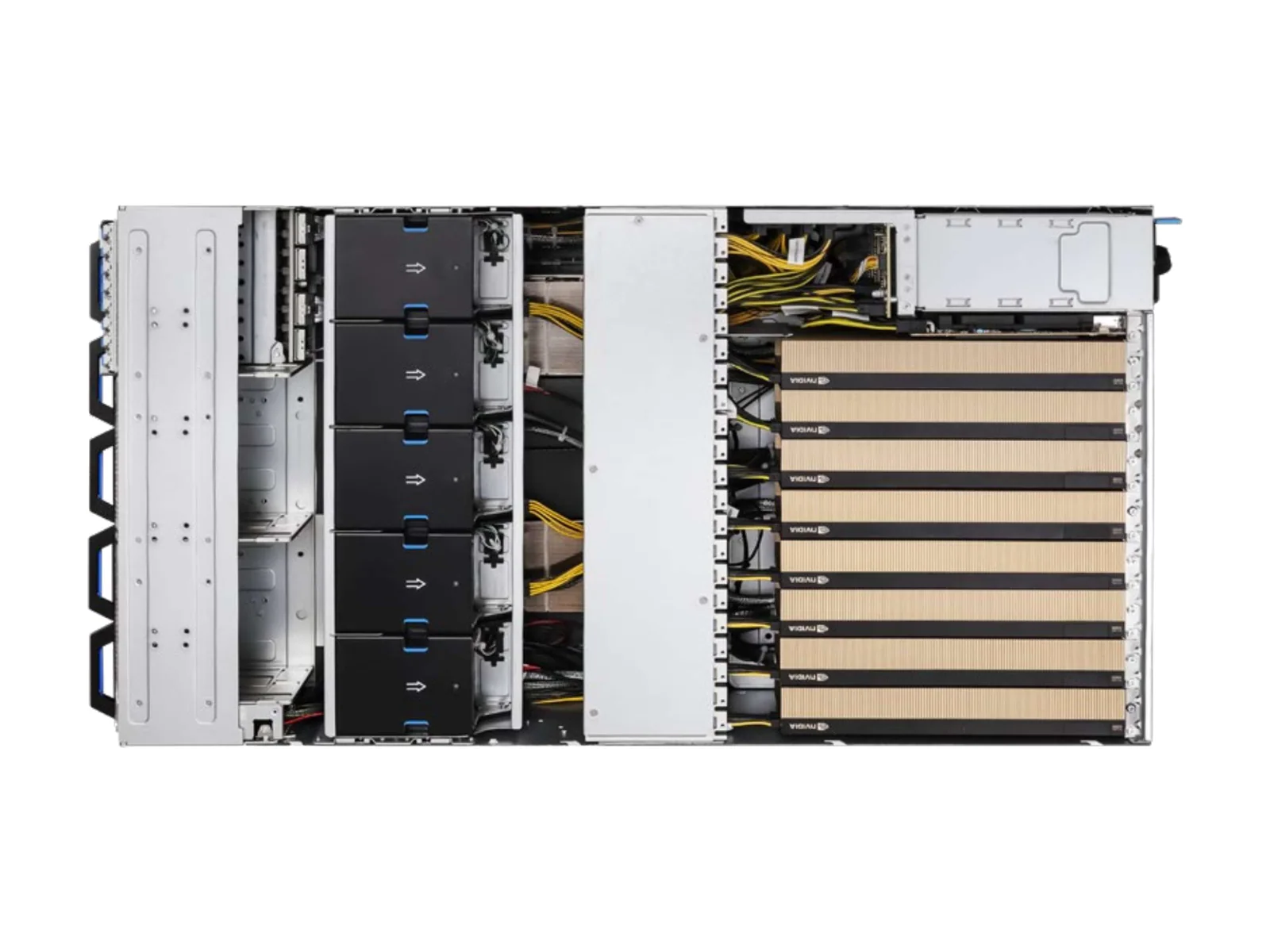
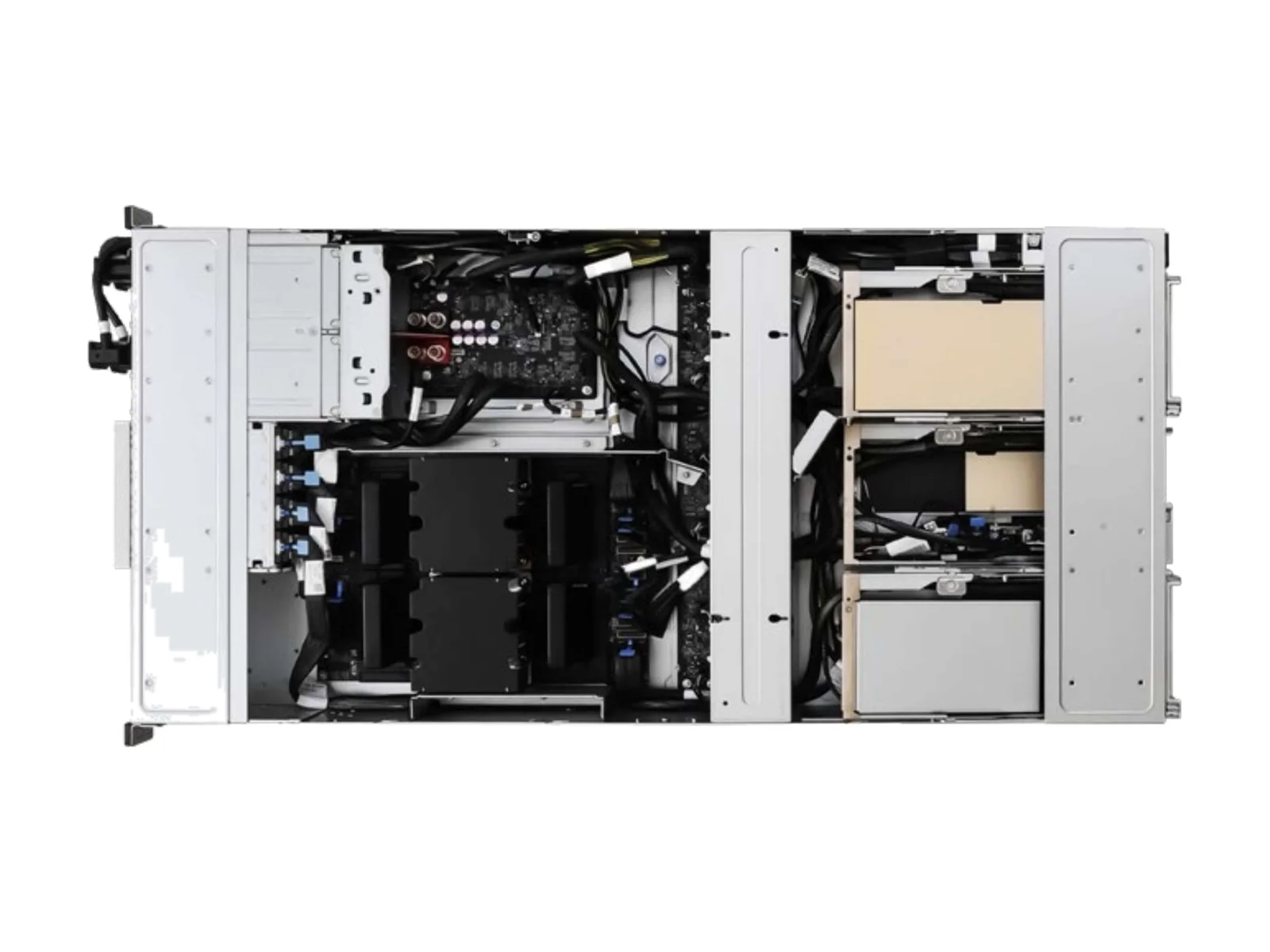
4U NVIDIA MGX GPU server for up to 8 GPUs with NVIDIA ConnectX-8 SuperNIC. One chassis, 2 host platforms: Intel Xeon 6 and AMD EPYC 9005. Validated with GenesysBench™ and deployed under GLIDS; AI workloads run on the GLabs AI Stack.
- GPUs
- up to 8
- Memory
- 32 DIMM slots
- Height
- 4U
- Sockets
- 2
Specifications
Pick the host platform. The chassis, power and cooling follow it.
| Form factor | 4U Rackmount, NVIDIA MGX™ 4U Compliant |
|---|---|
| Processor | 1+1 Socket E2 (LGA 4710); Intel® Xeon® 6700P-series, 6500P-series, and 6700E-series processors |
| CPU TDP | Up to 350W |
| Memory | 16+16 DDR5 DIMM Slots (2DPC); RDIMM up to 128GB (2Rx4) each, max. 6400MT/s (1DPC), 5200MT/s (2DPC)RDIMM-3DS up to 256GB (4Rx4) each, max. 6400MT/s (1DPC), 5200MT/s (2DPC)MRDIMM up to 64GB (2Rx4) each, max. 8000MT/s (1DPC) |
| Expansion | 8 FHFL dual-slot PCIe5.0 x161 FHHL PCIe5.0 x16 |
| Storage | 16 hot-swap E1.S (PCIe5.0 x4) drive bays, 9.5mm/15mm width1 M-key (PCIe5.0 x4); 2280 form factor1 M-key (PCIe5.0 x2); 2280 form factor |
| Networking | 2 RJ45 (1GbE)1 dedicated IPMI8 QSFP112 (400Gb/s) ports® ConnectX®-8 |
| Power | 3+1, 80-PLUS Titanium, 3200W CRPS |
| Cooling | 10 hot-swap 80x80 mm fans |
| Dimensions (D × W × H) | 800 x 438 x 176.5 mm (31.5" x 17.2" x 6.9") |
| Management | Dedicated BMC (IPMI) |
| Form factor | 4U Rackmount, NVIDIA MGX™ 4U Compliant |
|---|---|
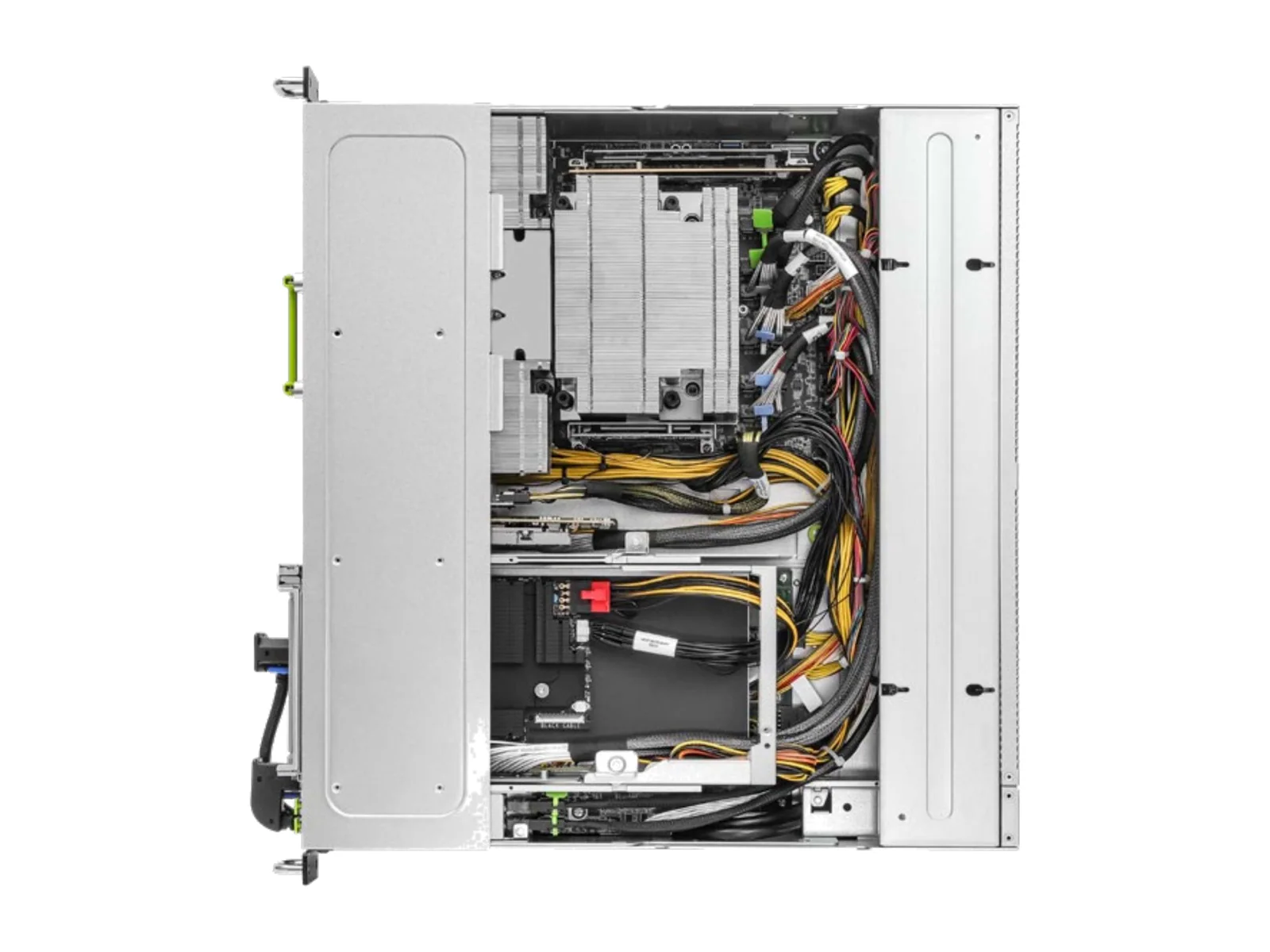
| Processor | 1+1 Socket SP5 (LGA 6096); AMD EPYC™ 9005/9004 (with AMD 3D V-Cache™ Technology) and 97x4 series processors |
| CPU TDP | Up to 500W |
| Memory | 12+12 DDR5 DIMM Slots (1DPC); RDIMM up to 128GB each, max. 6400MT/sRDIMM-3DS up to 256GB each, max. 6400MT/s |
| Expansion | 8 FHFL dual-slot PCIe5.0 x161 FHHL PCIe5.0 x16 |
| Storage | 16 hot-swap E1.S (PCIe5.0 x4) drive bays, 9.5mm/15mm width1 M-key (PCIe3.0 x4); 2280 form factor |
| Networking | 2 RJ45 (1GbE)1 dedicated IPMI8 QSFP112 (400Gb/s) ports® ConnectX®-8 |
| Power | 3+1, 80-PLUS Titanium, 3200W CRPS |
| Cooling | 10 hot-swap 80x80 mm fans |
| Dimensions (D × W × H) | 800 x 438 x 176.5 mm (31.5" x 17.2" x 6.9") |
| Management | Dedicated BMC (IPMI) |
NVIDIA-Qualified GPUs
- NVIDIA RTX PRO 6000 Blackwell Server Edition · on AMD EPYC 9005, Intel Xeon 6
- NVIDIA H200 NVL · on AMD EPYC 9005, Intel Xeon 6
Exact CPU, memory, drive and network parts are fixed on your quote. GPU and platform names are trademarks of their respective owners.
Configure GL-M4U-8G-CX8
Choose the host, memory, storage and networking. Your request goes straight to a Solutions Architect, who replies with a validated build and quote.
- 01System and host
- 02Processor
- 03Memory
- 04GPU
- 05Storage
- 06Networking
- 07Software stack
- 08Send request
Tell us what you're building.
A solutions architect responds directly — no ticket queue.